
AERIAL IMAGERY • 3D TERRAIN • GOOGLE EARTH
Real-world context for your preliminary AEC design.
Bring the right imagery and elevation data into AutoCAD®, Civil 3D®, and other CAD tools with just a few clicks.








Everything you need to see your design in a real-world context.
Plex-Earth is an add-on for AutoCAD® and other popular CAD tools that helps AEC teams and individuals set up site context quickly and keep their early design work grounded in reality, so they can make confident decisions before setting foot on the site.
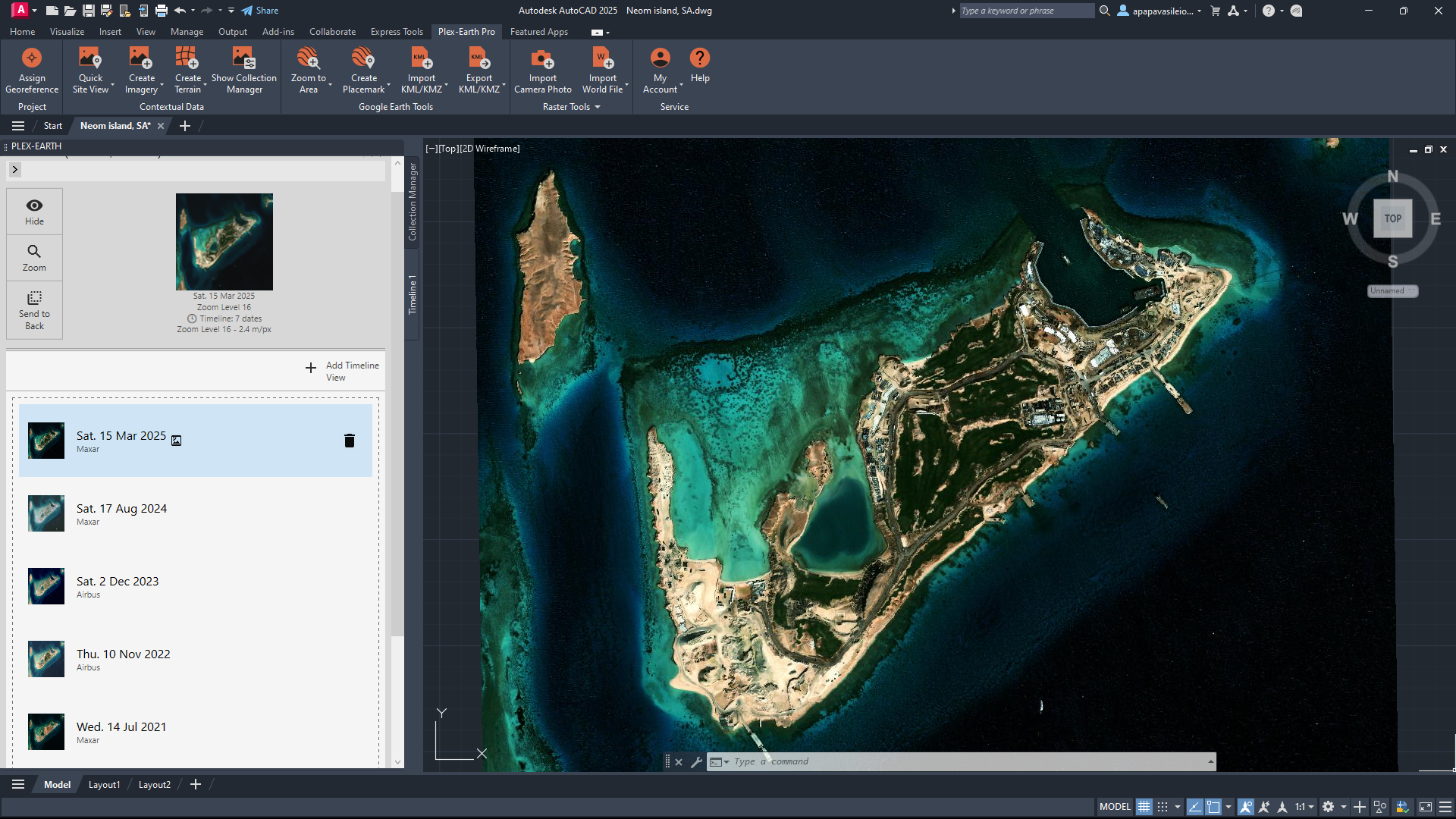
Imagery
Import up-to-date and historical imagery from top providers directly into your drawings.
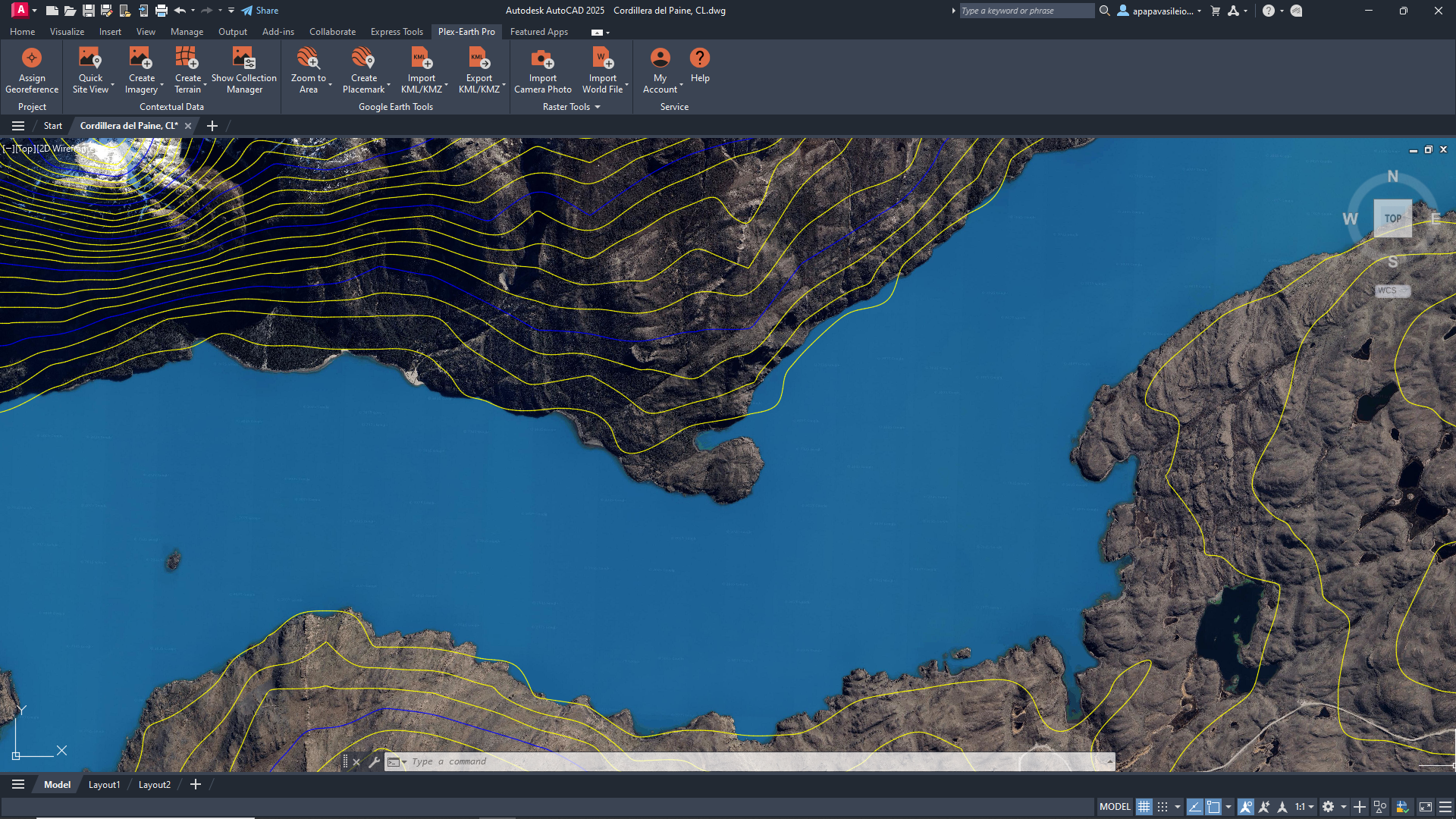
Terrain
Import terrain and elevation data to create surfaces, contours, and quick cut/fill estimates.
Timeviews
Use historical satellite imagery to see how your project site has changed over time.
Visualization
Easily export your CAD designs to Google Earth for clear, real-world visualizations.
The best aerial imagery from leading industry providers, without separate contracts.
Plex-Earth plugs your designs straight into imagery from Vexcel, Nearmap, Hexagon, Airbus, Vantor (formerly Maxar), plus familiar basemaps like Google Maps and Azure Maps.





Integrate Google Earth terrain and imagery with your CAD workflow
Plex-Earth plugs your AutoCAD, Civil 3D, and BricsCAD workflow straight into Google Earth and Google Maps, so you can work with familiar views instead of starting from a blank grid. Bring site context into CAD in seconds, then send designs back to Google Earth when you need a simple, shareable 3D view.
For professionals and teams who are done flying blind and ready to make better decisions.
For preliminary site design
Quickly bring georeferenced satellite imagery and terrain into CAD to understand existing conditions, constraints, and access before detailed design.

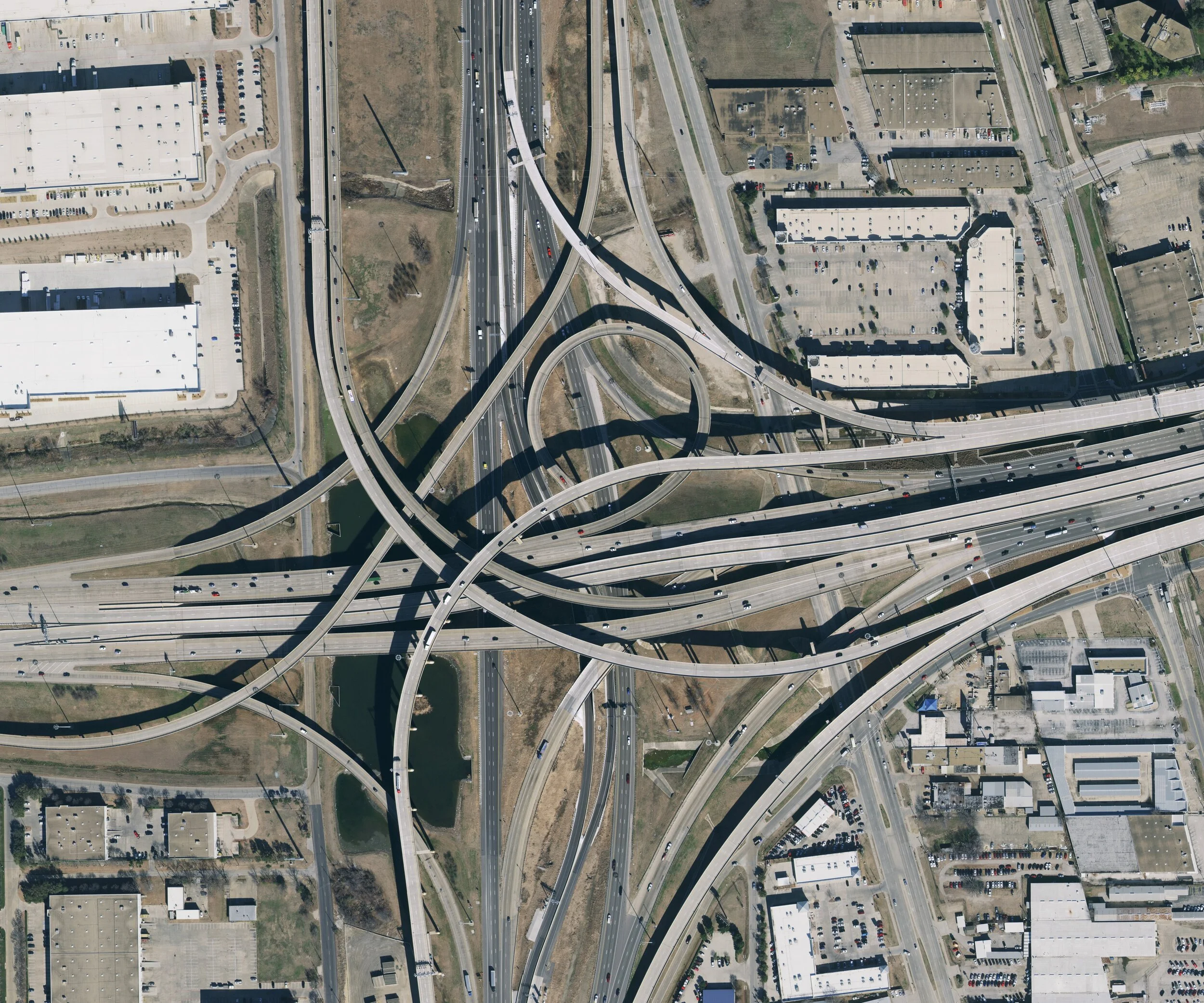
Use high-resolution aerial imagery and terrain data along 30–200-mile corridors to test alignments and de-risk early routing decisions.
Road, rail, and corridor studies
Combine up-to-date satellite imagery, terrain, and shading context to size solar layouts and validate locations in the early design phase.
Solar and renewable energy projects

Support subdivision layouts, drainage studies, and utility planning with realistic site context inside AutoCAD, Civil 3D, BricsCAD, and other CAD tools.
Municipal and land development planning

Plex-Earth at a glance
-
Civil engineers and CAD designers working on preliminary site design and corridor studies
AEC professionals & teams using AutoCAD®, Civil 3D®, BricsCAD® for site planning and feasibility
Solar designers and design teams planning rooftop and ground-mounted PV projects with satellite imagery
Utilities, telecom, and transportation professionals and teams designing long linear infrastructure projects
-
Plex-Earth is most commonly used for preliminary AEC design work, like site checks, feasibility, layouts, and corridor studies, where accuracy and speed play equally important parts in the workflow.
-
Plex-Earth connects to the CAD tools AEC designers already use, so you don’t have to add another standalone platform.
AutoCAD® (including Architecture, Mechanical, Map 3D, Plant 3D): versions 2020–2026
Civil 3D®: versions 2020–2026
BricsCAD® (Pro, BIM, Mechanical, Ultimate): V21–V25
-
Yes! Plex-Earth lets you reuse data you already have, including GeoTIFFs, KML/KMZ and survey files, instead of starting every project from scratch.
-
Absolutely. Plex-Earth can send your CAD drawings to Google Earth as KML/KMZ, so anyone can review the project in a familiar 3D view.
Are you a CAD Manager?
Plex-Earth will reinforce your entire team's process, from providing amazing engineering insights to simply avoiding errors.

Make better decisions with confidence.
Sign up for a free trial of Plex-Earth and see how quickly your team can move from blank drawings to geolocated, visual designs.